
Setting up your Tutor Profile

How to set up your Tutor profile in less than a minute and start adding students and phrases!
- Download the App from Apple Store or Google Play. Make sure it is 'YoYo Tutor'
- Click 'Register' to enter your name and email address
- Now you're into 'Setup' you can add your profile photo. This is very important to ensure that your students trust your invitation.

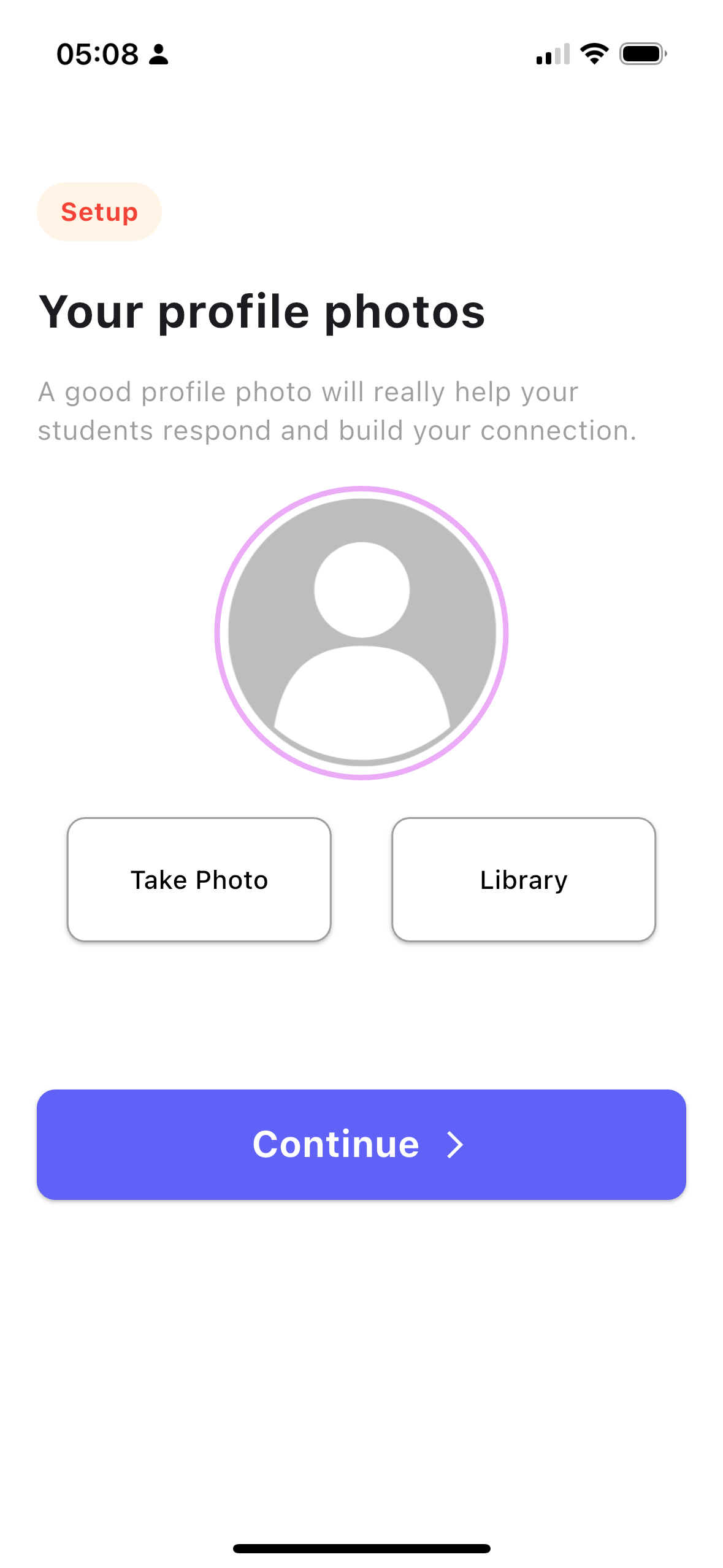
Register & Add your Profile Photo
- Once you have completed your profile you can immediately invite your students by just adding their name and email address. They will receive a personal invite to the App.
- Once you have added a student you can start adding phrases for them and translations. This is covered in more detail on
- Once you have added a Student and as many phrases as you like you will be taken back to the Dashboard.
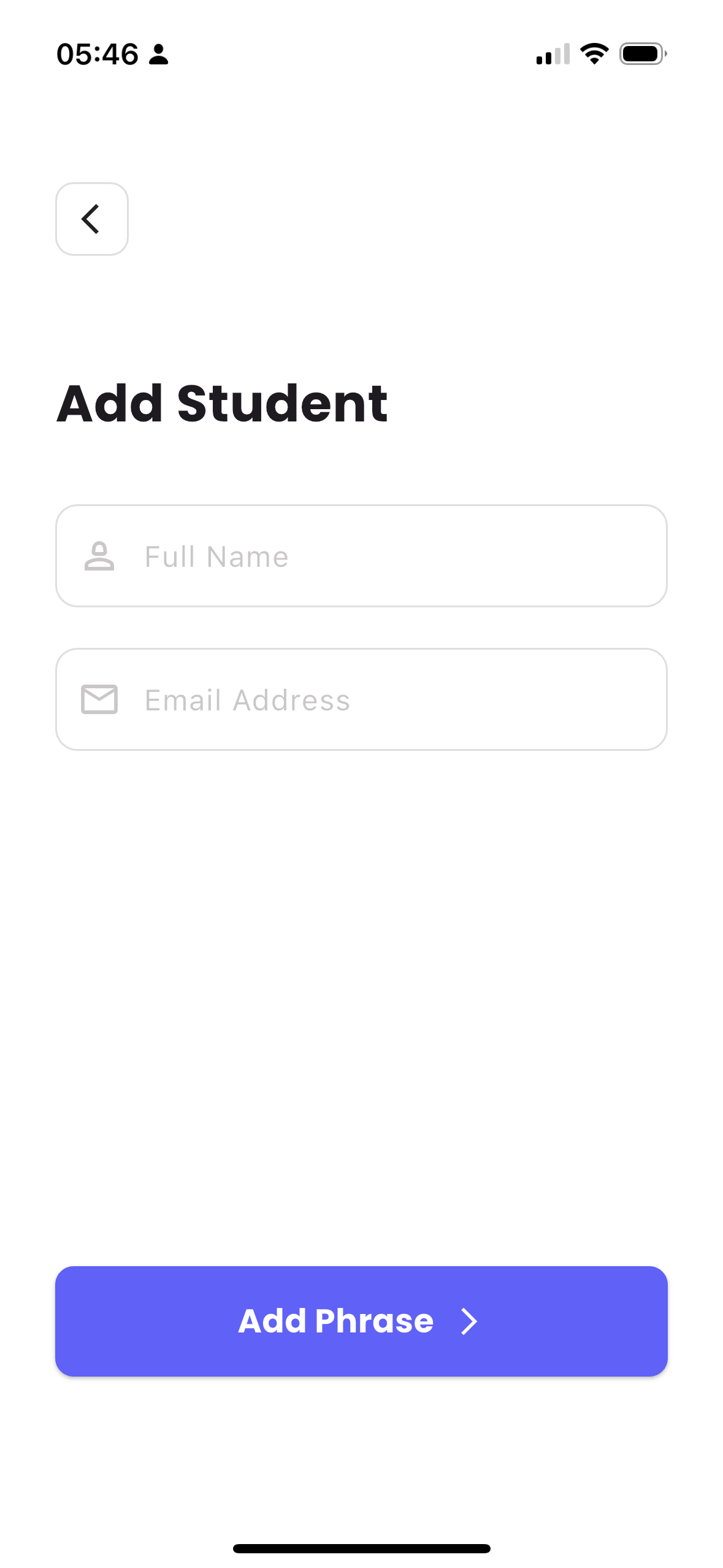
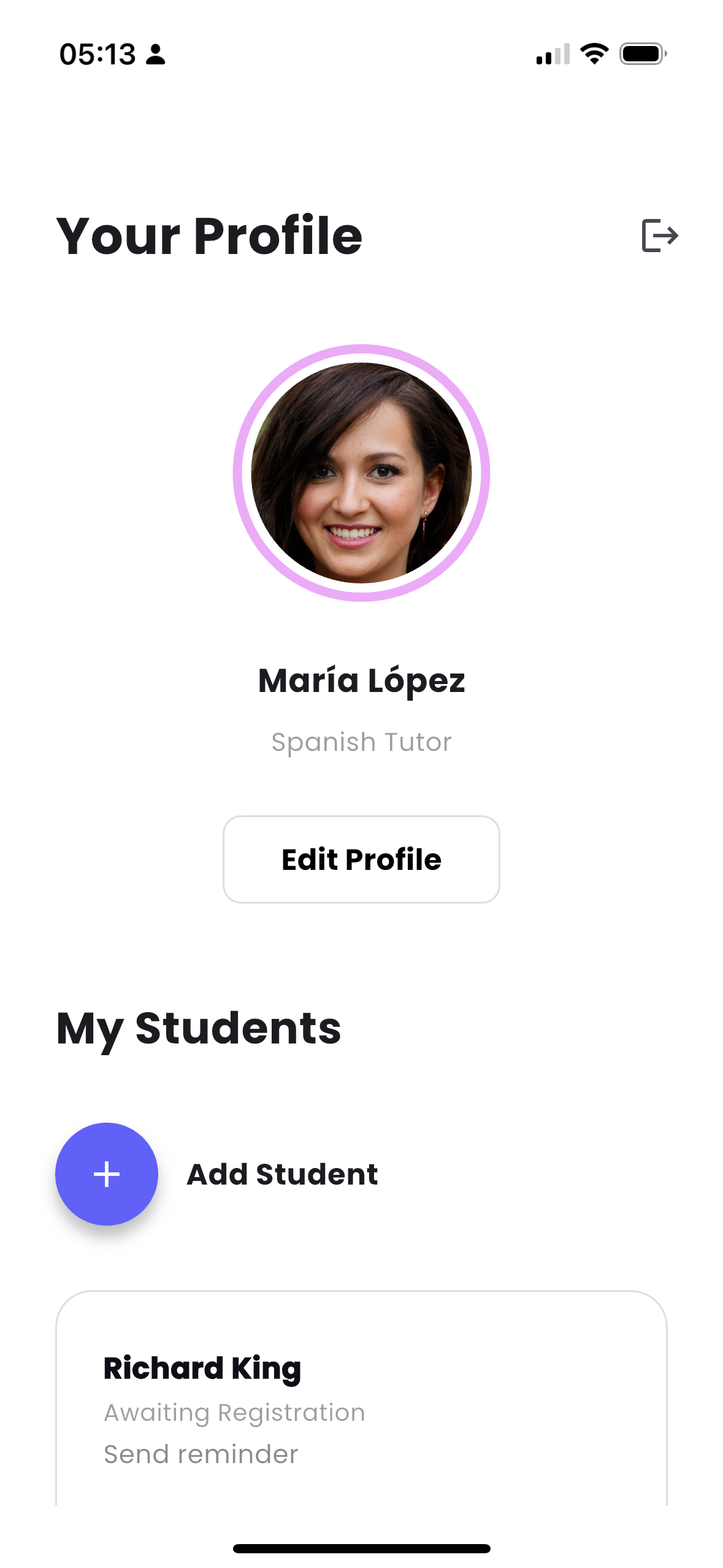
Adding Students & Dashboard